
About Peers Group
Founded in 2012, Peers Group supports companies across all sectors with organizational consulting. It has more than 180 employees and 9 subsidiaries in France, Switzerland, Turkey and Morocco.
The group connects its Sage accounting software to EMASPHERE.


Why did Peers Group stop building its reports in Excel?
Because ten manual reports a month left no room for error. Every month, Thierry Guelfi sends a consolidated report to executive management and one report to each subsidiary director. In Excel, that meant several Sage extractions and hand-built files for every entity.
“Once my 9 reports were built, I combined them in a new file to get a consolidated view. But if an accounting entry was missing, I had to repeat every step, which was tedious. Some files also had several thousand rows, so processing took a long time. It was all the more stressful when my management committee met an hour later and I had to present up-to-date results.”
“As soon as I make a change in my accounts, it shows up in my EMASPHERE reporting in a few clicks, without any extracts or data manipulation. So my reporting always matches my accounts.”
How does Peers Group work with its subsidiaries now?
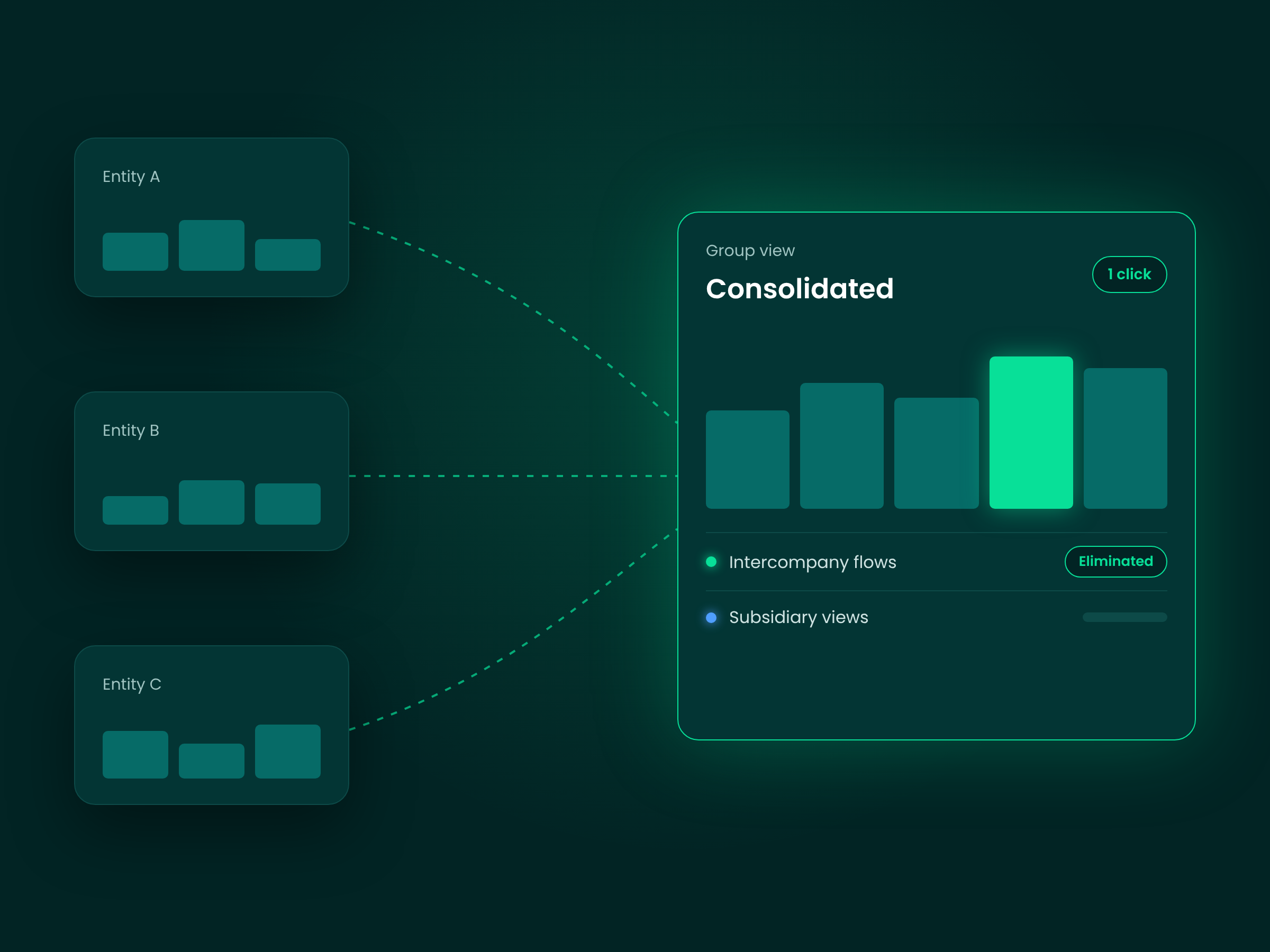
From one shared, validated source. The CFO switches in one click between the group view and any subsidiary, with intercompany transactions eliminated automatically in sub-consolidations.
“We have many companies in France and abroad. In EMASPHERE, we can switch in one click between a consolidated group view and a view of one specific subsidiary. The solution also separates out intercompany transactions, so each entity has its own line for flows between companies.”
“By clicking on any figure, I can see the detail right down to the accounting entry, which lets me check that the data entered in the accounts is reliable.”
No more report versions by email
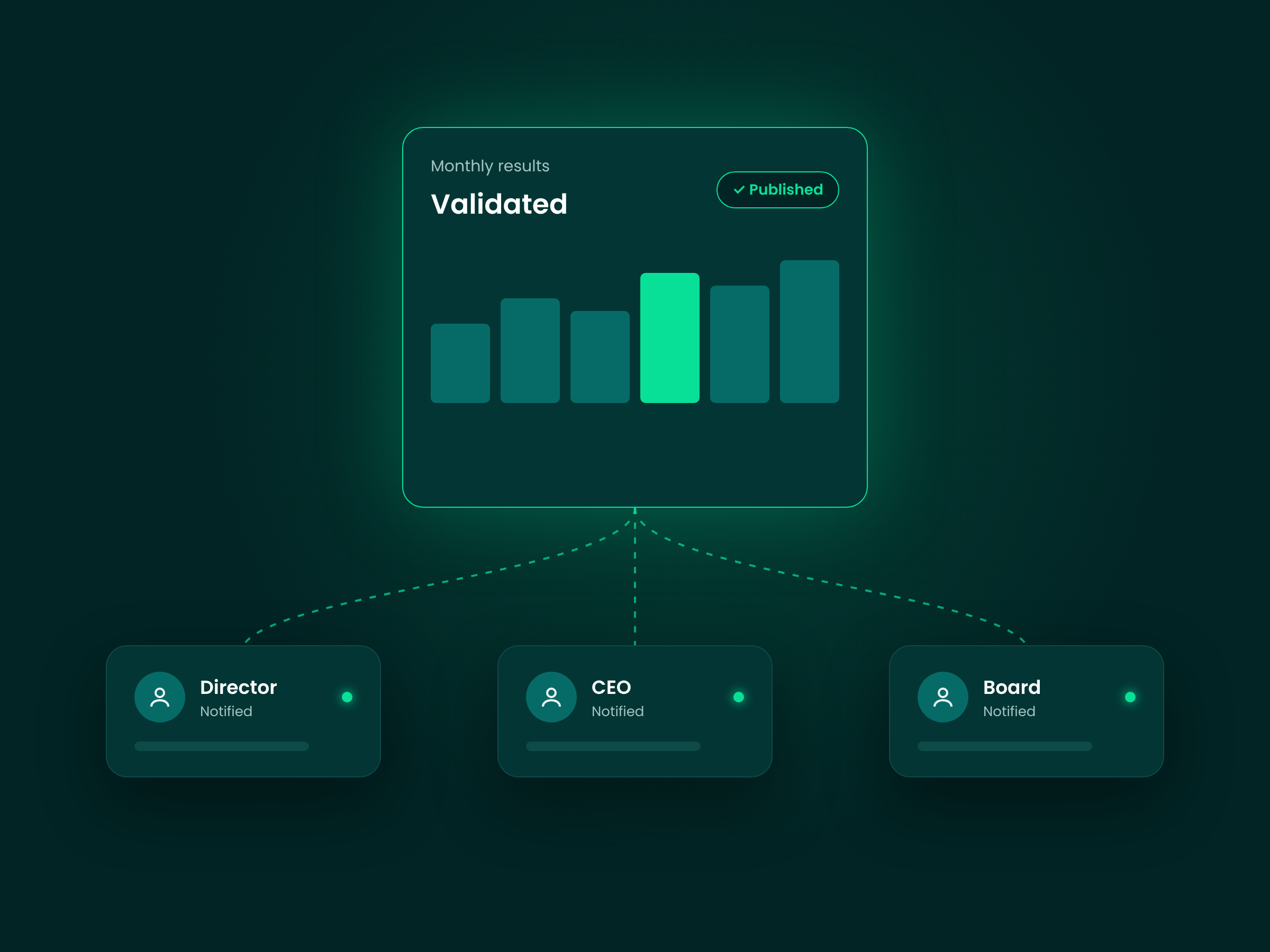
“Today, once I’ve validated the reporting in the platform, I make it available to the right people. Each director gets a notification and can log in to EMASPHERE to view their results.” Every version is archived, so the group can return to any past situation.
Discover their stories
-
 Saper Vedere
 replaces Excel with one consolidated, trusted view
“That’s the real difference with Excel: as soon as you need to consolidate several entities, EMASPHERE really shows its value.…”
Read the story
-
 Avineon Tensing
 builds one trusted view of its group finances
“Reporting was still done in Excel, which took a lot of time.…”
Read the story
-
 DUCAJU
 consolidates its family group automatically with EMASPHERE
“Our accountants used to get stuck in their work a lot. Now they can handle it easily.…”
Read the story
Building one report per subsidiary by hand?
See what one trusted data foundation looks like across your own entities.